
-
 KVM
KVM
-
 Sound tune
-
 CONSOLE MODE
-
 NIGHT VISION
-
 SMART CROSSHAIR
-
 Smart Brightness


KVM
ด้วยฟังก์ชัน KVM ให้คุณสามารถควบคุมเดสก์ท็อปหลากหลายเครื่องด้วยอุปกรณ์เพียงชุดเดียว อาทิ เช่น จอยสติก, คีย์บอร์ด หรือเมาส์ผ่านจอมอนิเตอร์เกมมิ่งของ MSI
ON MODE
OFF MODE
Sound tune
ป้องกันอุปสรรค์ในการสื่อสารด้วยจอมอนิเตอร์เกมมิ่งจาก MSI ที่มีการขจัดเสียงรบกวนรอบข้างโดยผ่านการคำนวณของ AI และช่วยให้การสื่อสารระหว่างเพื่อนร่วมทีมของคุณได้รับคุณภาพเสียงที่ละเอียดมากยิ่งขึ้น อีกทั้งยังช่วยให้การสื่อสารกับทีมขณะเล่นเกมนั้นออกมาดีมากยิ่งขึ้น
MSI Console Mode
สำหรับผู้ใช้ PS5, MSI ได้ออกแบบจอมอนิเตอร์ที่มี Console Mode เพื่อการใช้งานที่หลากหลาย เช่นการใช้งานร่วมเครื่องเล่นเกมคอนโซล ซึ่งสามารถรับสัญญาณ 4K จากจอมอนิเตอร์ 2K QHD ได้โดยอัตโนมัติ พร้อมกับรองรับ HDR ซึ่งจะช่วยเพิ่มประสบการณ์การเล่นเกมของคุณมากยิ่งขึ้น ให้คุณเพลิดเพลินกับความละเอียดระดับ 4K บนเกมคอนโซลได้อย่างง่ายดาย แม้ว่าคุณจะใช้จอมอนิเตอร์ของ MSI ที่เป็น 2K QHD ก็ตาม
เรียนรู้เพิ่มเติม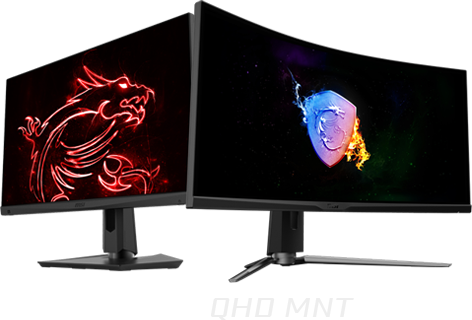
ความละเอียด 4K

ให้ความละเอียดของภาพที่ดีกว่า

FHD เท่านั้น

ภาพที่ได้จากการแปลงความละเอียดจอ FHD มาเป็นความละเอียด 2K QHD

NIGHT VISION AI
ไม่ว่าฉากภายในจอของคุณจะมืดมากเพียงใด NIGHT VISION ENGAGED นั้นจะช่วยประมวลผลเพื่อทำให้ฉากสีดำภายในจอของคุณ แสดงความสว่างและรายละเอียดเล็กๆ น้อยๆ ในในฉากมืดออกมาให้คุณมองเห็นได้ง่ายมากยิ่งขึ้น
© CAPCOM CO.,LTD. 2019 ALL RIGHTS RESERVED.


* รูปภาพได้รับการประมวลผลเพื่อวัตถุประสงค์ทางโฆษณา
Smart Cross Hair
Through AI calculation, the aim dot automatically changes color, making it visible at any time. If the color of the aim dot overlaps with the background color, it will be problematic for aiming. The MSI monitor uses AI to calculate the color around the red dot and automatically adjusts it to a color that contrasts with the surrounding colors to ensure that you can always see your aim dot.


Smart Brightness
The MSI Gaming monitor can automatically detect the ambient light in the room and adjust the screen brightness to the appropriate level.
PANEL
-
 RAPID BOOST
-
 Adaptive Sync
-
 HDR 400
-
 True Color


มองเห็นทุกการเคลื่อนไหว คมชัดทุกช่วงเวลา
เทคโนโลยี Rapid Boost ช่วยให้เหล่าเกมเมอร์ระยะลดเวลาในการตอบสนองและเพิ่มอัตราการรีเฟรชให้รวดเร็วขึ้นเป็นพิเศษ ซึ่งจะช่วยลดปัญหาการเบลอของภาพภายในจอมอนิเตอร์ได้อย่างมาก และมอบภาพที่คมชัด พร้อมทั้งทำให้คุณได้เปรียบในการแข่งขันและการตัดสินใจที่ต้องใช้ความแม่นยำภายในเกมที่มีการเคลื่อนไหวที่รวดเร็ว

SMOOTHEN OUT YOUR GAMEPLAY
The MSI Gaming Monitor is built with Adaptive Sync technology to achieve the smooth visuals for your gameplay. Adaptive Sync technology will sync the refresh rate of your monitor with your GPU to eliminate screen tearing or stuttering. The ultra-smooth and lag-free visuals that Adaptive Sync provide will allow you to enjoy the game the way it was meant to be enjoyed.


The most Vivid Display
The MSI Gaming monitor is equipped with HDR technology that can produce images with more details, wider range of colors, and look more similar to what is seen by the human eye when compared to traditional monitor.
© CAPCOM CO.,LTD. 2019 ALL RIGHTS RESERVED.


Image has been processed for advertising purposes.

สีสันที่สมจริงและแม่นยำ
จอมอนิเตอร์เกมมิ่ง MSI Optix Series มีขอบเขตการแสดงสีครอบคลุม โดยการแสดงสีสันและรายละเอียดภายในเกมนั้นจะมอบความสมจริงและประณีตกว่าเมื่อเทียบกับจอมอนิเตอร์ทั่วๆไป


UTILITY
-
 GAMING OSD APP
-
 TRUE COLOR SYNC
-
 Firmware update
-
 MYSTIC LIGHT
GAMING OSD APP 2.0
ตั้งค่าจอมอนิเตอร์เกมมิ่งของคุณด้วยแอป Gaming OSD (On Screen Display) ปรับเปลี่ยนการตั้งค่าของคุณได้อย่างง่ายดายด้วยคีย์บอร์ดและเมาส์ พร้อมตัวเลือกปุ่มลัดของโปรแกรมเพื่อสลับการตั้งค่าระหว่างที่คุณอยู่ภายในเกมได้อย่างรวดเร็ว


Profile Switch
Refresh Rate Optimization
Split Window
Tools

เพิ่มประสิทธิภาพการทำงานของ OSD ได้อย่างง่ายดายด้วยคีย์บอร์ดและเมาส์
Download Quick Startเล่นเกมได้ไม่มีสะดุด ใช้ Macro Key ที่มุมล่างซ้ายของจอภาพทำให้คุณสามารถเปิด Gaming OSD App2.0 ได้เพียงปลายนิ้วสัมผัส


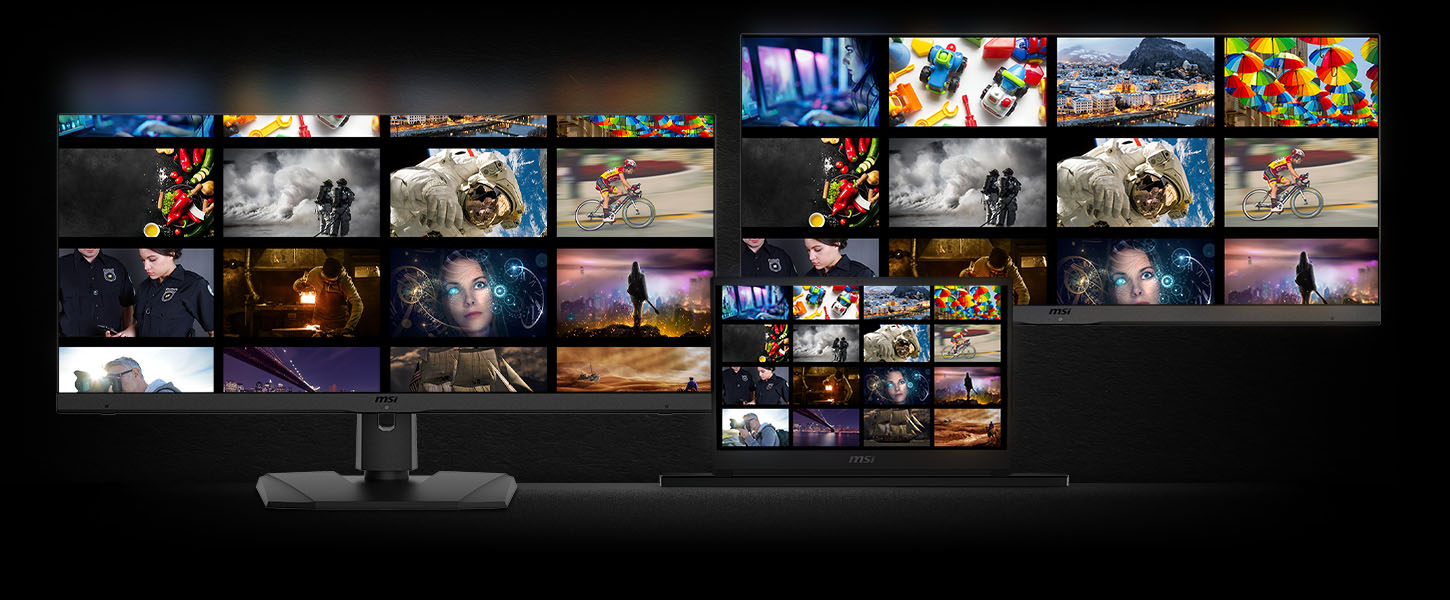


True Color Sync
Maintain the same color display among MSI devices. A laptop for work can maintain the same color performance when connected to a monitor at home with True Color Sync. Maintain the same color display and avoid color differences between devices.
*This is a schematic image of the product, the wall mount must be purchased separately.

Firmware update
MSI Gaming monitor can update the firmware through a USB connector, which is simple and easy to use. This allows users to update the firmware on their own at any time when the latest version is released by MSI. This ensures that the screen is always in the best-optimized state.


Personalize
Your Gaming Rig
With MSI Mystic Light, the MSI gaming monitor lights provide a soft ambient light that can easily be synced with any other Mystic Light enabled gaming product. Select any of the colors from the palette using your smartphone or the Mystic Light App to match your system style to your taste. Or just turn on gaming echo, letting your monitor back light dance to music you play on the computer.
UX
-
 Mouse Bungee
-
 Adjustable Stand
-
 Type-C Display
-
 Mobile projector

ACCESSORIZE
YOUR EXPERIENCE
The built-in mouse bungee helps you organize your mouse cable and prevents the excess cable from interfering with your path to victory.


* รูปภาพได้รับการประมวลผลเพื่อวัตถุประสงค์ทางโฆษณา

เชื่อมต่ออุปกรณ์ต่าง ๆ ด้วย USB TYPE-C
จอมอนิเตอร์เกมมิ่งของ MSI รองรับการเชื่อมต่อ USB Type-C ซึ่งช่วยให้คุณสามารถจ่ายพลังงานให้กับอุปกรณ์ของคุณ (สูงสุด 15W) เชื่อมต่อเข้ากับอุปกรณ์ได้อย่างสะดวกสบาย
WE HEARD YOU LIKE WORKSPACE
The MSI Gaming Monitor is specially designed for mobile phones with an 18:9 PBP display area and is fully capable of presenting a mobile phone screen and keep it close to 16:9 for computer devices. It is also possible to use the mobile phone and the computer at the same time, greatly optimizing the streaming and work functions.
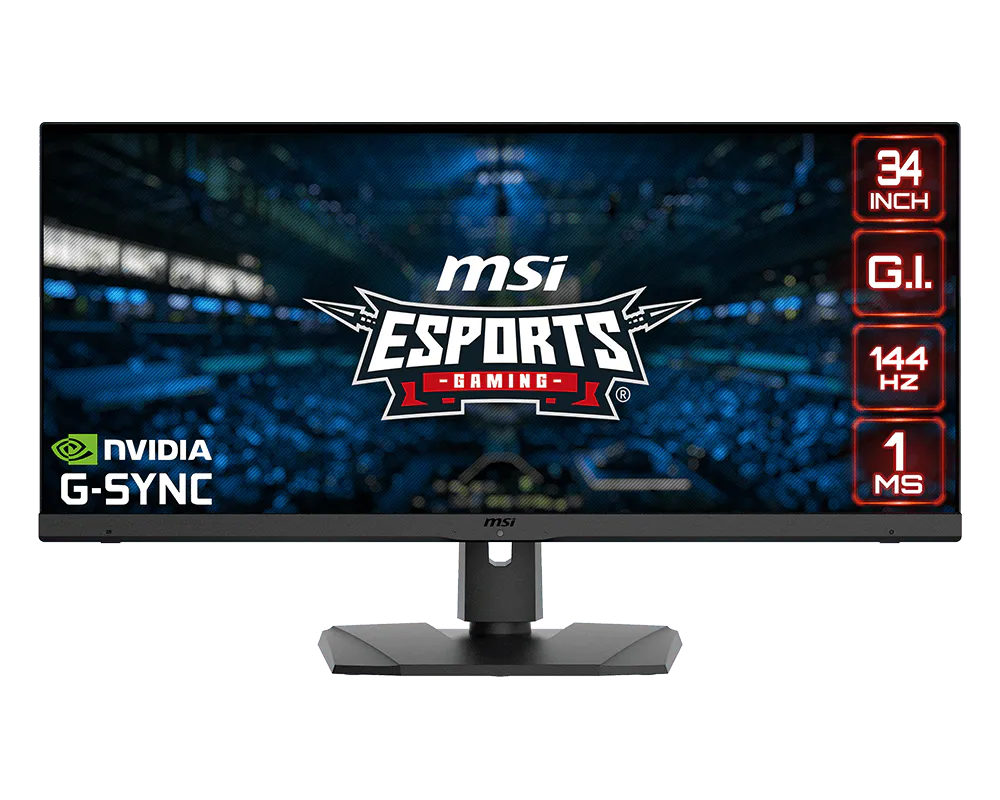
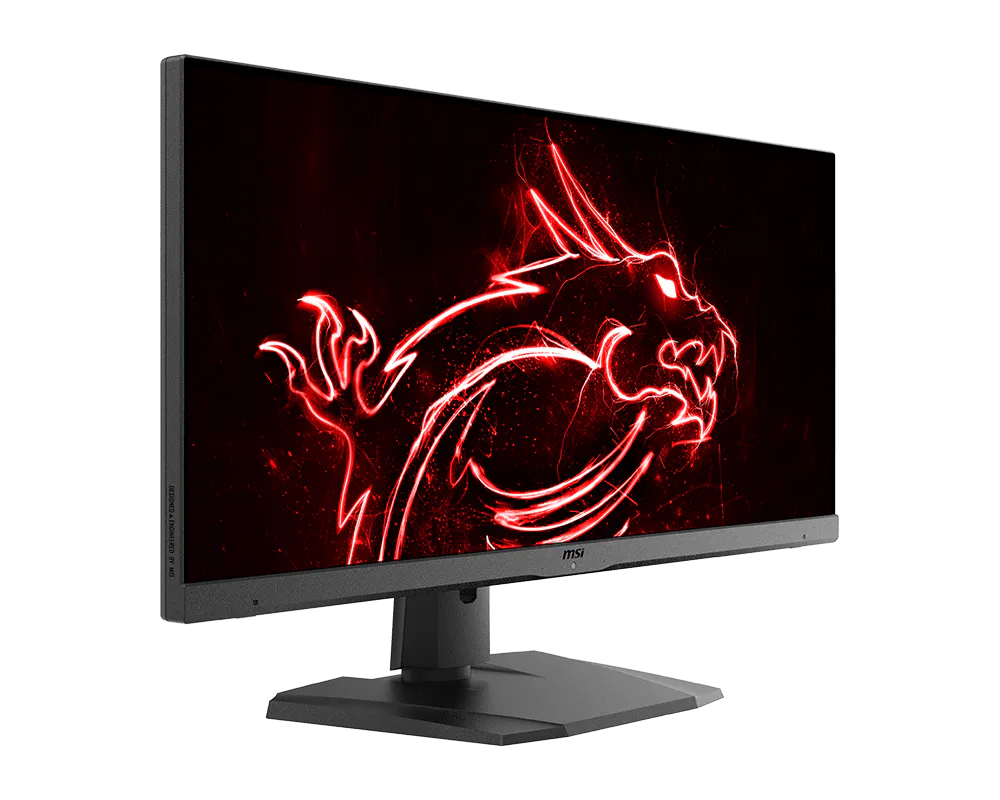
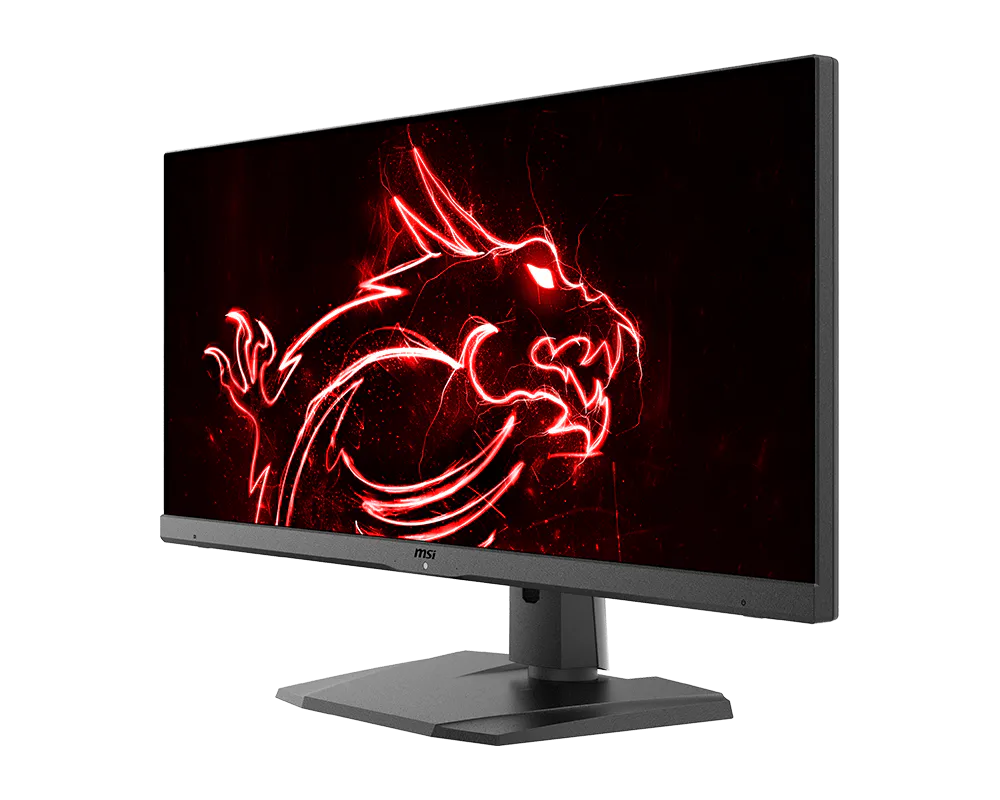
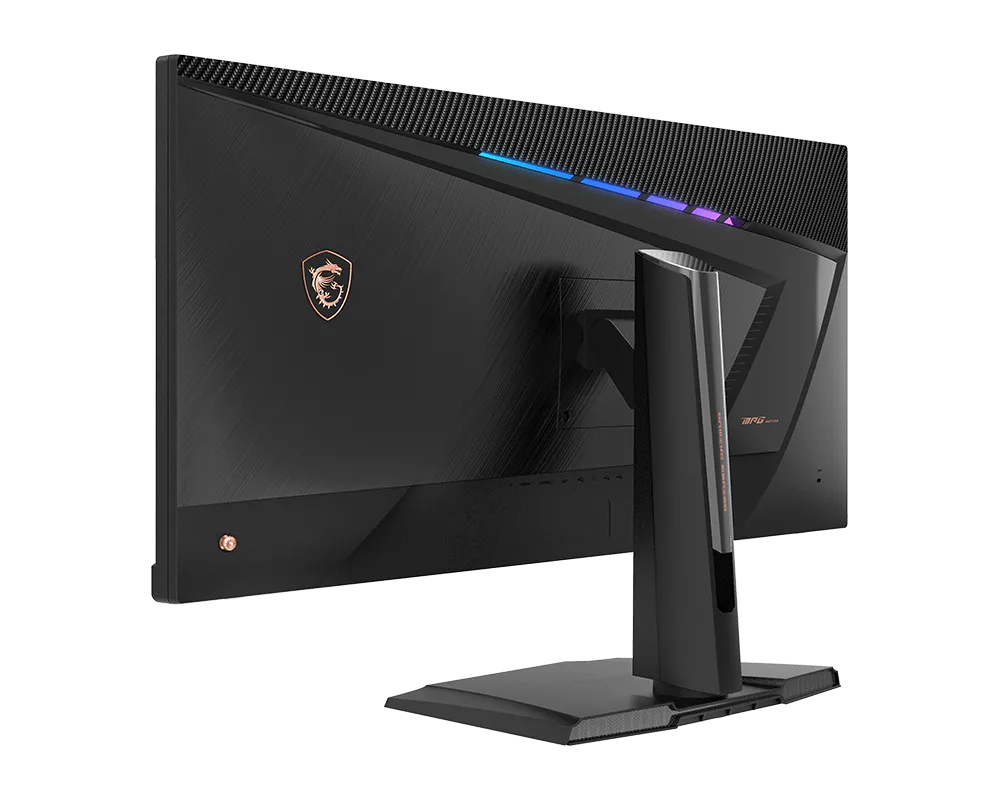
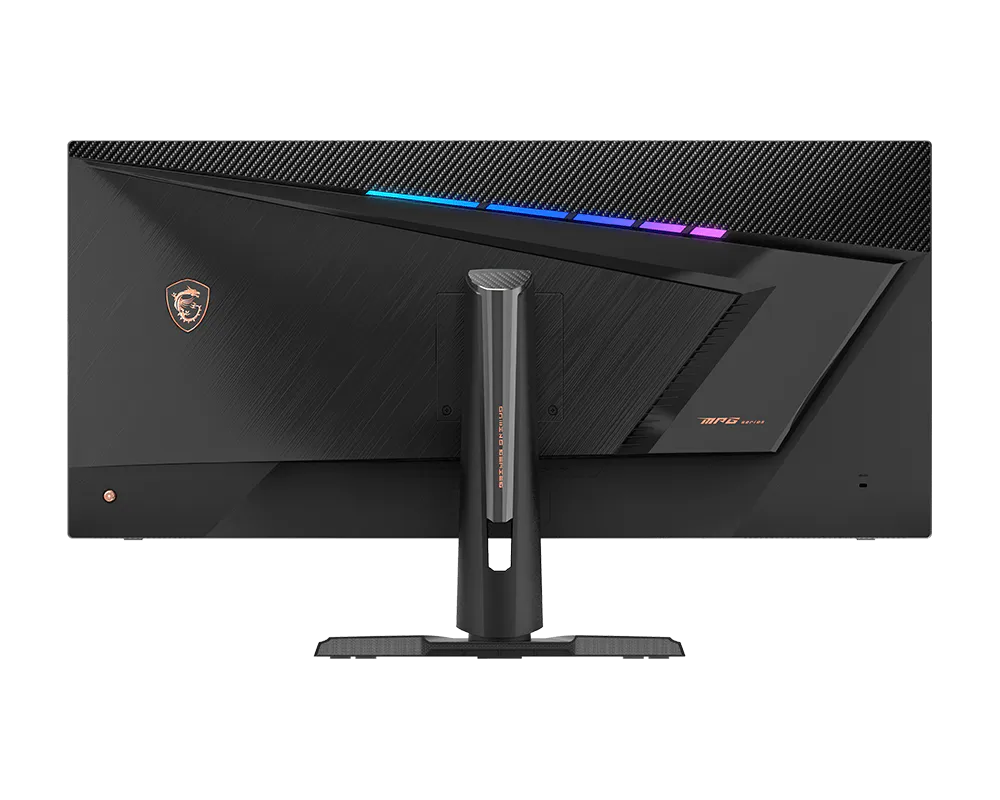
- IPS Panel – Provides 1ms fast response time, optimizes screen colors and brightness.
- UWQHD High Resolution – Games will look even better, displaying more details.
- 144Hz Refresh Rate – Respond faster with smoother frames.
- 1ms Response Time – Eliminate screen tearing and choppy frame rates.
- Gaming Intelligence – Gaming Intelligence is how we label software integrated MSI products. These products contain AI gaming features for gamers' specific needs.
- Gaming OSD App – Create the perfect viewing settings for your games.
- Adjustable Stand – Easily change the position of the monitor for maximum ergonomics.
- VESA DisplayHDR 400 – Stunning visuals through contrast and shadow adjustment.
- Night Vision – Smart black tuner to brighten your day by bringing out the fine details in dark areas.
- Mystic Light – The ultimate gaming finish.


All images and descriptions are for illustrative purposes only. Visual representation of the products may not be perfectly accurate. Product specification, functions and appearance may vary by models and differ from country to country . All specifications are subject to change without notice. Please consult the product specifications page for full details.Although we endeavor to present the most precise and comprehensive information at the time of publication, a small number of items may contain typography or photography errors. Products may not be available in all markets. We recommend you to check with your local supplier for exact offers.
ค ำว่ำ HDMI™, HDMI™ High-Definition Multimedia Interface, HDMI™ Trade dress และโลโก้HDMI™ เป็ นเครื่องหมำยกำรค้ำหรือเครื่องหมำยกำรค้ำจดทะเบียนของ HDMI™ Licensing Administrator, Inc.